
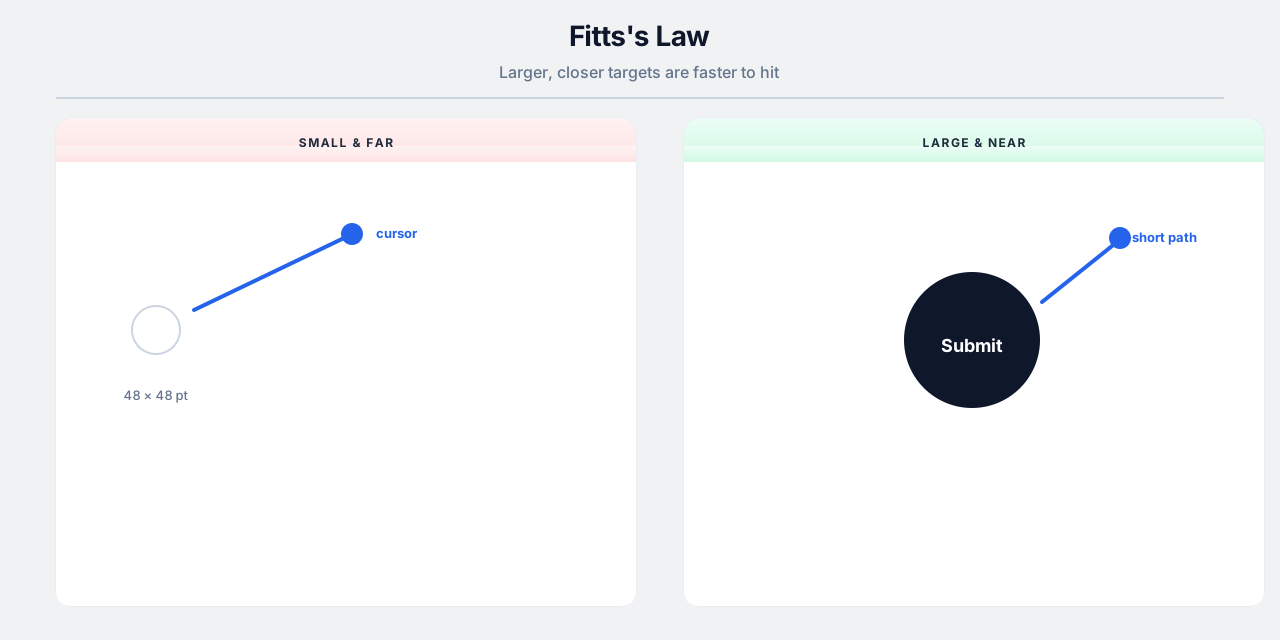
Fitts's Law links target size and distance to pointing time: bigger and closer targets are faster and less error-prone — especially on touch devices.
Touch and motor variance
Real users tap with thumbs, on the move, with accessibility settings. Minimum touch targets (~44×44 pt) are a baseline, not a ceiling for primary actions.
Layout implications
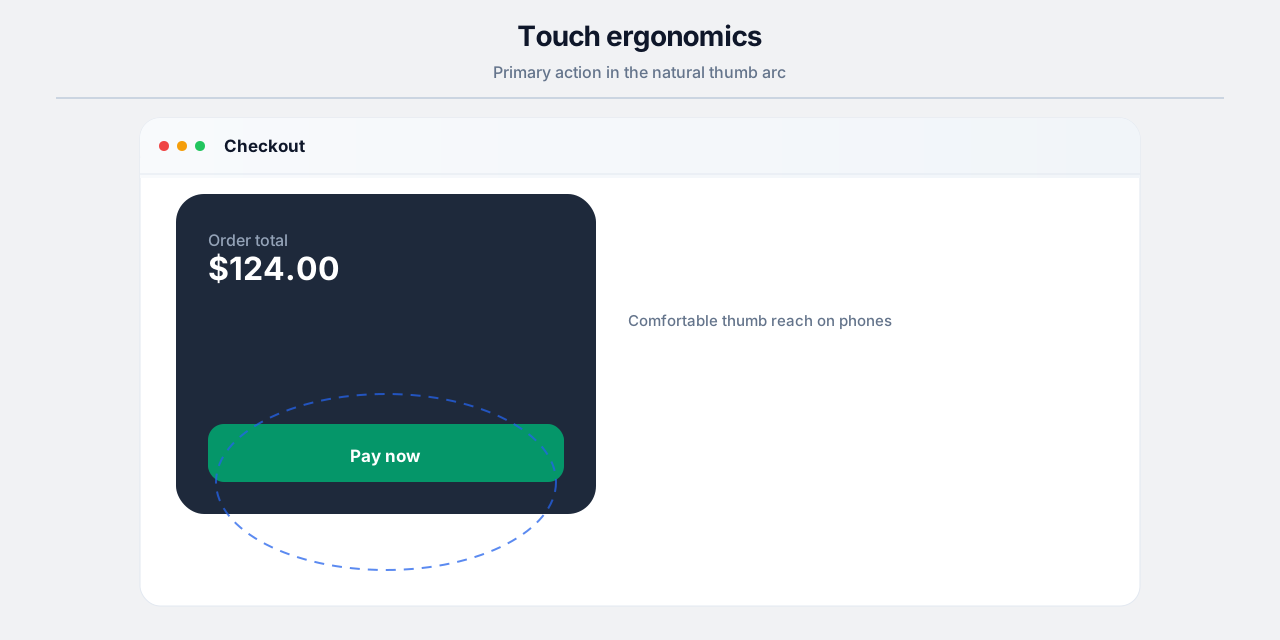
Keep destructive controls away from frequent taps, enlarge hit areas beyond visible icons, and place high-frequency actions in easy thumb zones on mobile.
Desktop and precision
Small icons at screen edges remain hard even with a mouse. Add padding, context menus with large rows, and keyboard alternatives.
Practices
- 48px+ primary buttons on mobile for frequent actions.
- Extend clickable padding around icon-only buttons.
- Sticky action bars for long scrolling pages.
- Avoid tiny close targets on modals.
Common pitfalls
- Pixel-tight icon rows with no spacing.
- Placing “Delete” adjacent to “Save” at the same size.
- Hover-only targets that touch users cannot access.